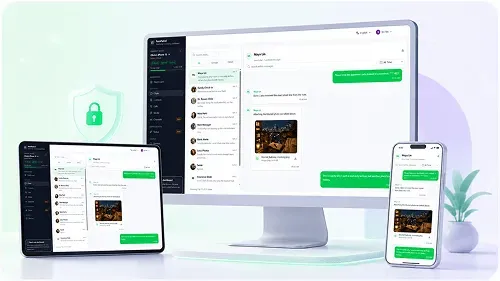
WhatsApp Chat History
Synced messages and group conversations
Review synced WhatsApp messages, group chats, media, contacts and supported call history in one private dashboard. Authorize the connection with the account owner’s phone. No extra monitoring app required.
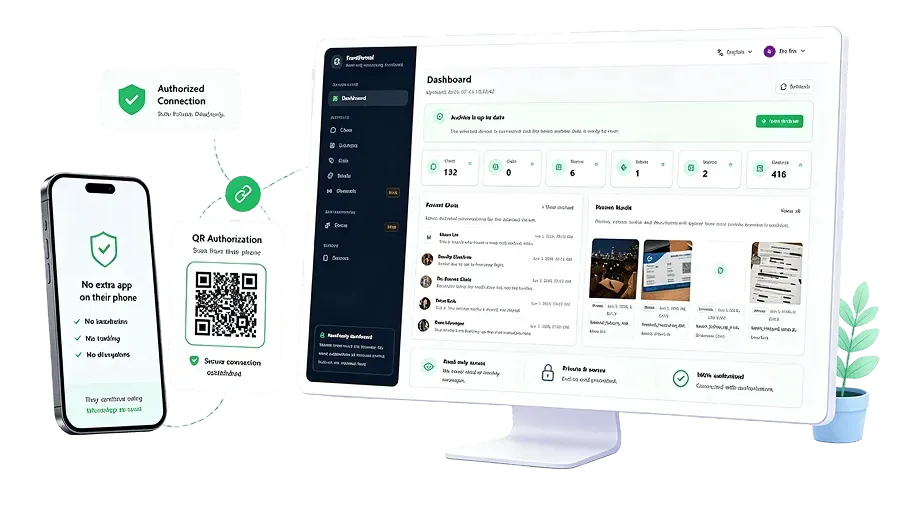
Review records available from your authorized connection. History and attachments depend on successful sync and storage; online status, Stories and device usage are not tracked.
Synced messages and group conversations
Available photos, videos and voice notes
Synced files and document attachments
Available call metadata, without recordings
Synced names and available profile details
Review synced group conversations
Recent archived chats, media and sync progress
Use dedicated views for the records your account has synchronized. Read conversations, browse available attachments and review supported call metadata without sending or changing messages.
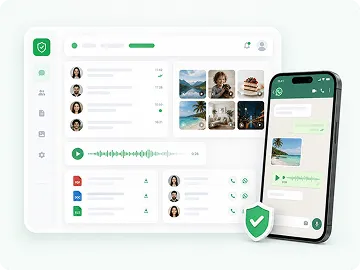
Read synced individual and group chat history with available attachments.
This is exactly what I want!
Review supported call metadata, including time and duration when available. No call recordings.
Browse archived photos when their media files are available.

Play available synced voice messages and audio attachments. These are separate from calls.
Review synced video attachments where playback is available.
View synced contact names and available profile details.
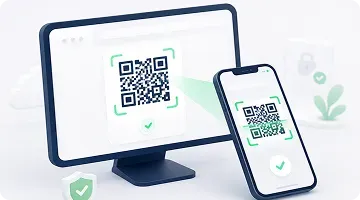
Authorize with a QR code, wait for supported data to sync, then review it online. Setup and sync time vary; the connection may need to be renewed.
Use the account owner’s phone to scan the QR code from WhatsApp Linked Devices. Connect only an account you own or have permission to access.
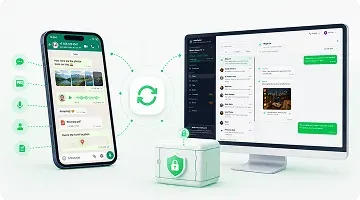
Supported chats, contacts, media and call metadata are copied into your account’s archive. Available history, media downloads and storage affect what appears.
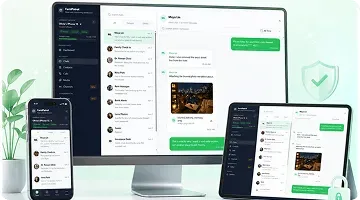
Sign in to FamiPatrol from your browser to read synced records. Check connection and sync status when you need to know how current the archive is.
Use authorized chat review to support conversations about unfamiliar contacts, group messages and shared media. Review requires human judgment; FamiPatrol does not detect threats or send content alerts.

Read available messages together and discuss requests, links or contacts that deserve a closer look.

Explain which account will be connected, which records can be viewed and when to revisit the arrangement.

Read synced group messages around a concern. A dashboard cannot determine whether a message is bullying or prevent it.

Review synced records from your browser and check whether new data has arrived before drawing conclusions.
FamiPatrol uses QR authorization and browser access. Installation and features vary across other monitoring products; compare their current requirements directly.
Authorized archives stay inside your private data vault.
Authorize with the account owner’s WhatsApp Linked Devices QR flow.
Review the latest stored activity after each secure sync.
Open your private dashboard from desktop, tablet, or mobile.
Understand QR setup, browser access, supported data and the limits of the archive before you connect.
Contact supportYou can review synced messages, individual and group chats, available photos, videos, voice notes, documents, contacts and supported call metadata. “Activity” means archived records and sync progress, not online status, screen time or a full device activity log.
See the demo, compare plans and connect an account you are authorized to access. Available records appear after synchronization.